

Tricky Puzzle 2 Walkthrough – All Levels
Find the clue. Make the unexpected move. Solve the scene.
Independent fan-made guides. Not affiliated with the game developer.
Browse levels
Game screenshots
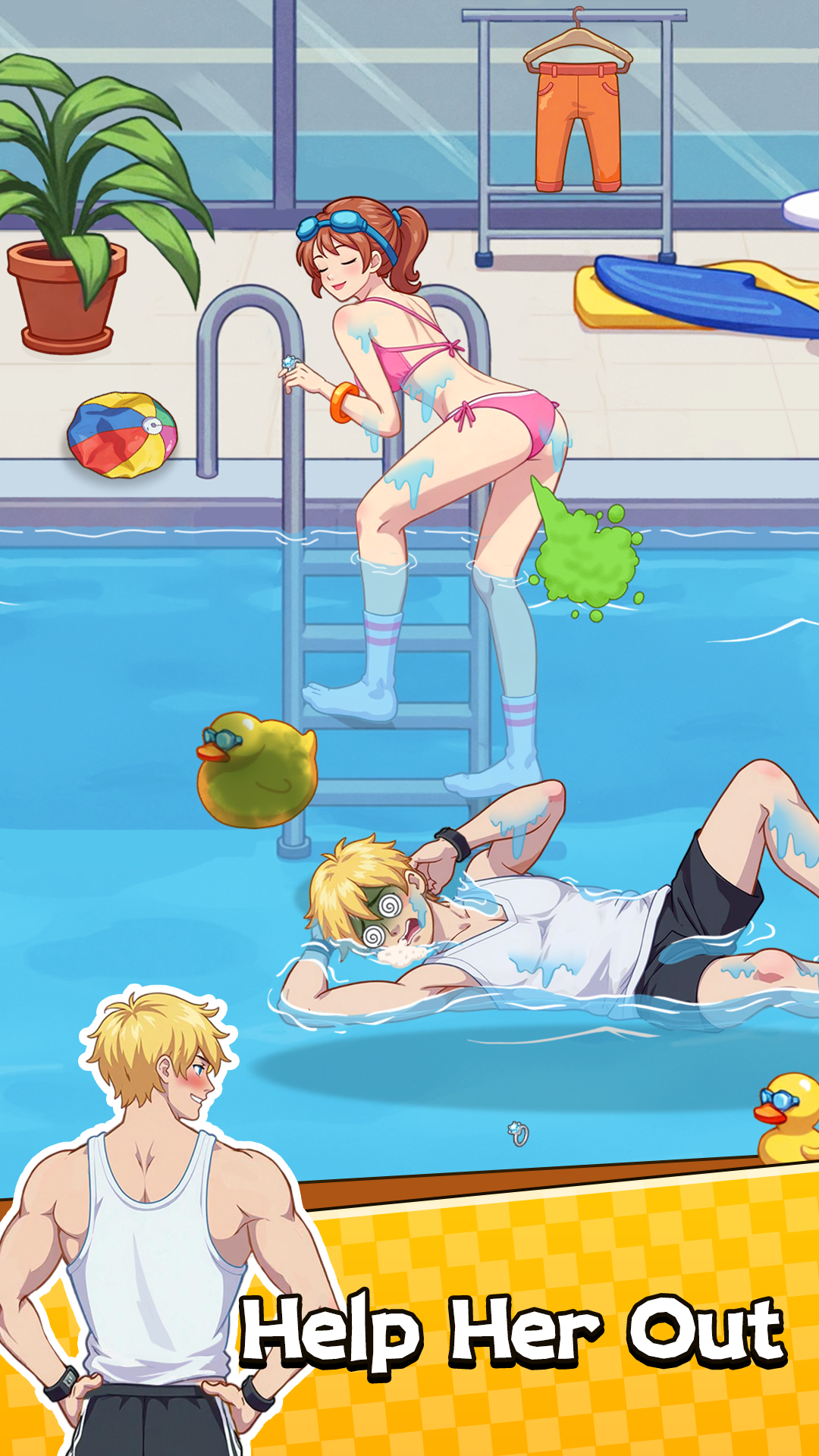

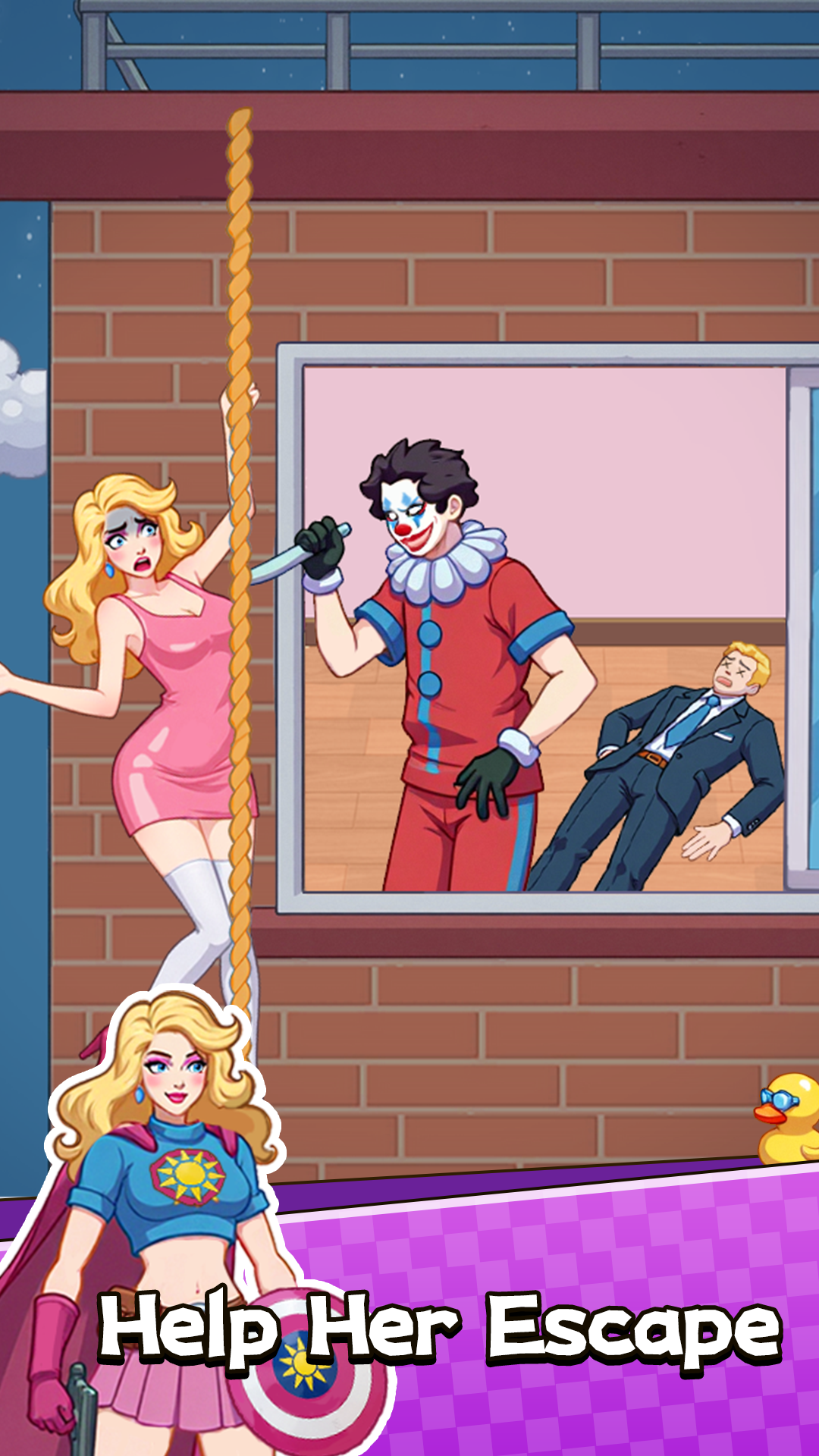
About the game
Tricky Puzzle 2: Brain Test is a cartoon puzzle game from YIKE TECHNOLOGY LIMITED on Android. Read the task above each scene, then tap, drag and interact with characters and objects to reach its goal. Different scenes ask you to rescue someone, reveal hidden people, improve a room or arrange a photograph.
Look at the task and the scene together. A harmless background detail can be the tool you need, while a large obvious object can be a distraction. Make one deliberate move, watch the response, and use the change to decide what to do next.
Choose from 112 numbered walkthroughs below. Compare the task and the video scene with your screen, then follow the quick answer or numbered solution. Each video stays on its creator’s YouTube channel, and the language switch keeps the same walkthrough open.
- Publisher
- YIKE TECHNOLOGY LIMITED
- Platform
- Android
- Guide coverage
- 112 levels
- Last updated
- Game store
- Google Play

Match your scene, then use the short answer and the numbered steps to solve it. Browse Tricky Puzzle 2 walkthroughs by level or task, including build a ladder, find all the men and perfect their pose.
A scene-first puzzle guide
Tricky Puzzle 2: Brain Test turns a single cartoon picture into a small interactive problem. YIKE TECHNOLOGY LIMITED lists the Android game on Google Play. You might protect someone outside a building, arrange a group photograph, uncover hidden people or turn a shabby room into a comfortable one. The important first question is what this particular scene asks you to change. A clever action from the previous room may have no use in the next picture.
Choose the scene that matches your game
Start with the level jump box if you know your number. The directory also shows scene names because videos and app versions can use different task orders. Look at the people, room and main objective before copying a move. A restaurant distraction, an indoor pool and a crowded wedding room can share familiar characters while requiring completely different actions. Matching the picture saves more time than repeating an answer simply because its number looks right.
Tap, drag and inspect
Use a short tap for an exposed target and a deliberate drag when an item needs to reach a person or another object. A hidden character may need two actions: move the covering furniture, then tap the person underneath. For money-based repairs, drop the bundle onto the damaged part itself. Watch what changes after each move. A new opening, outfit or reaction often tells you where to look next without needing to try every object again.
Rescues, searches and photographs
Rescue scenes usually ask you to prepare support or clear a route while the endangered person stays in place. Searches reward a systematic pass around cupboards, curtains, large toys and the edges of the picture. Photograph puzzles require a closer look at small body parts: faces, hands, arms, clothes and feet can each need a separate correction. Treat those as different puzzle families. A fast rescue drag is a poor substitute for the careful adjustments needed in a group pose.
Repairs, food and transformations
Some rooms give you money to place on broken walls, windows, furniture or clothing. Others ask you to distribute food or gifts among several recipients. A makeover can proceed through cleaning, grooming and dressing, with the final outfit appearing only after earlier changes. These objects belong to the scene in front of you. Do not confuse a stack of repair money with a permanent game balance, or assume a food object works on every character who appears nearby.
Read progress without rushing
A shrinking queue, a fuller search meter or an improved room shows partial progress. It does not always mean the task is complete. After the largest change, check the remaining corners and foreground details. In a photograph, a single misplaced hand can matter; in an ice rescue, the feet may still be trapped after the face is free. Let accepted animations finish before trying the next step, especially when the background reveals a new interaction area.
Use only the help you need
Every level page begins with a short answer, followed by the credited video, written steps, practical tips and common mistakes. Read the first paragraph if you want a nudge. If one gesture remains unclear, compare that moment with the video rather than watching the entire solution from the beginning. The nearby-level links and three directory ranges make it easy to continue browsing, while the language switch keeps you on the corresponding page.
When something does not respond
An object snapping back may mean the target or timing is wrong. Recheck the objective and try a careful drop on the object itself. If the picture differs substantially, find the scene by name before troubleshooting the gesture. For an unresponsive app, allow any current animation to finish, reopen it normally and check Google Play for updates. Avoid deleting local storage or reinstalling casually, since this guide cannot guarantee how your version restores progress.
Game information and independence
The store describes a large collection of brain-test scenes, but this guide does not treat its highest video number as the game's total. The available directory contains 112 pages through level 114. The release date, exact total and account-saving behaviour should be checked in the current app or developer information when needed. This is an independent fan-made guide. Store screenshots illustrate the game, and YouTube walkthroughs remain embedded from their credited creators.
Frequently asked questions
What is Tricky Puzzle 2: Brain Test?
It is a scene-based puzzle game from YIKE TECHNOLOGY LIMITED. Each picture gives you a small problem to solve by tapping, dragging or changing objects. The next scene can ask for something entirely different, such as finding people, rescuing a character or correcting a photograph.
How does build a ladder work?
Identify which ladder scene you have first. Santa climbs toward an upper window, while another woman needs to leave a deep pit beside a bear. In both scenes the route needs extra material, but the surrounding objects and final assistance are different. Match the picture before following a numbered answer.
How do I find all the men?
Reveal the hiding places before trying to collect their occupants. In the pink living room, the sofa, tall clock, window and large toys are separate search areas. Tap a man after uncovering him, then move to a part of the room that still conceals someone.
Why does perfect their pose not finish?
A person can have several independent targets: face, arm, hand, clothing and feet. Correcting the head alone may leave the rest unfinished. In the three-person sofa scene, compare the group with the framed reference picture and inspect the man's remaining hand as well as the women's outfits.
Why does the same number show a different scene?
Task order can differ between the game on your device and a video. Match the objective, characters and room objects as well as the number. Use the scene names in the directory and the matching-scene links when available, rather than applying a correct answer to an unrelated picture.
Do I need to drag or tap?
Tap exposed people and small selectable targets. Drag an object when it needs to reach another object, such as money onto a repair or a present onto a recipient. If tapping does nothing, inspect the covering object or the intended drop target before repeating the same gesture.
How do I finish the turkey?
Check the setting before choosing a solution. A dining-room turkey task asks you to distribute cooked dishes among recipients, while the roasting task starts with a raw bird, preparation tools and an oven. Serving and cooking use different objects and should not be treated as one sequence.
Why will the walkthrough video not play?
Check your connection, the browser's media permissions and whether YouTube is available on your network. Try the source link beneath the cover. A browser extension or content restriction may block the player. You can still read the written answer and steps without loading the video.